Closed pilot · Windows

An engineering agent for hardware. From brief to evidence.

Power Architect is a desktop AI agent for hardware and test engineers. Give it a brief: it records the requirements, asks the questions that decide the design, plans the work, hands it to specialist agents, and runs real engineering tools. Everything lands in a git-versioned project folder on your machine.

Latest pilot build · Windows 10/11, 64-bit

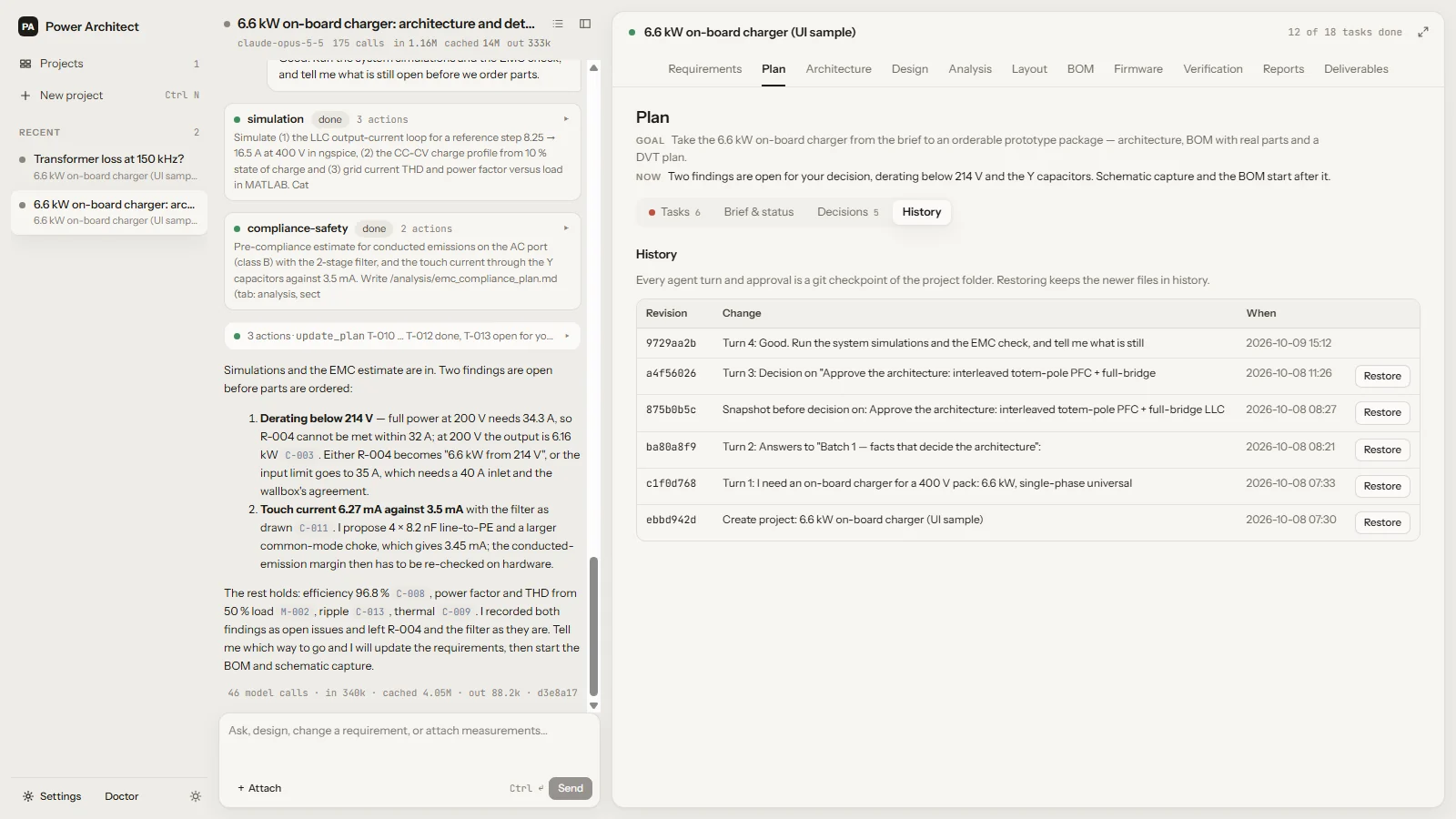
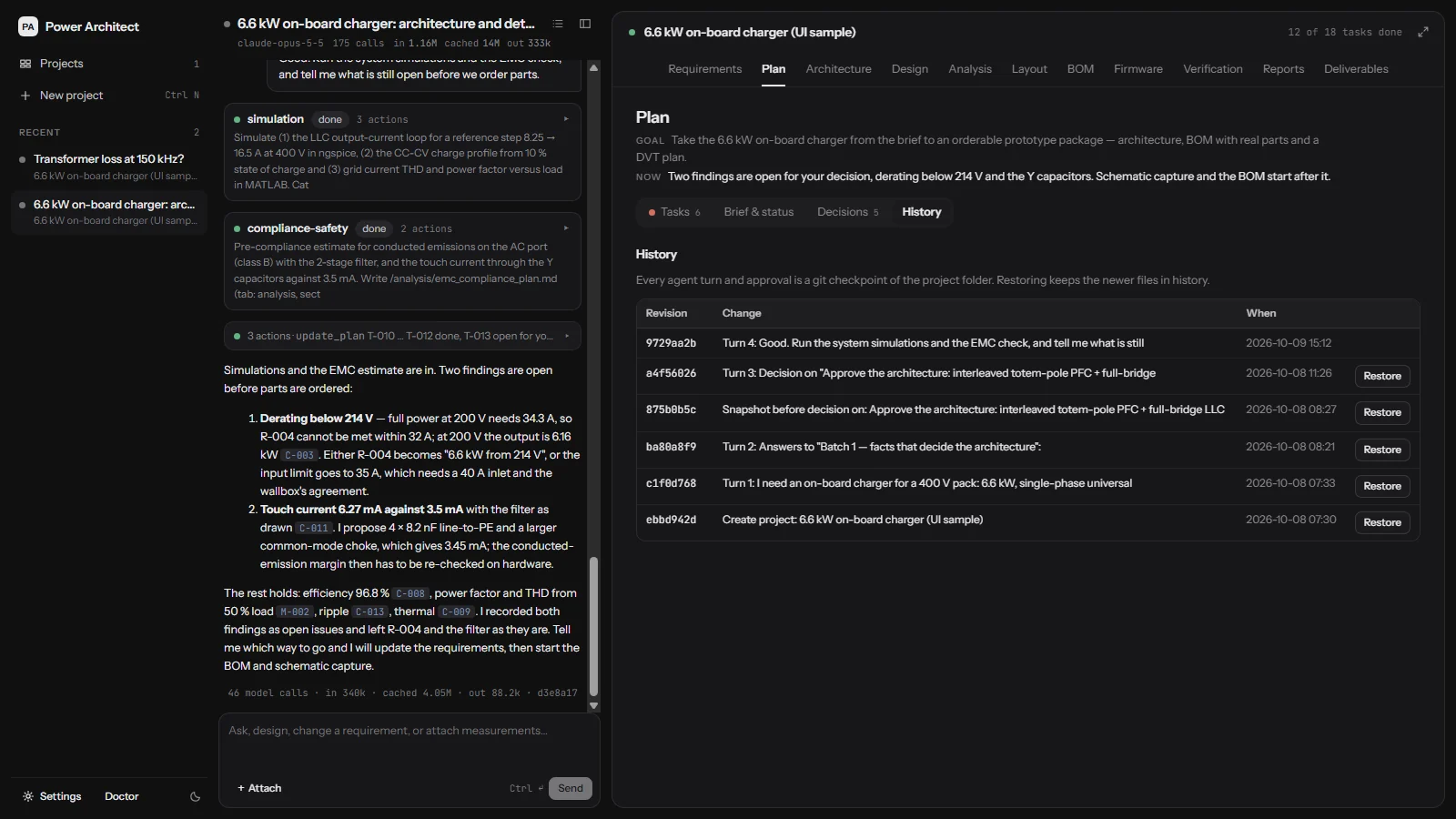
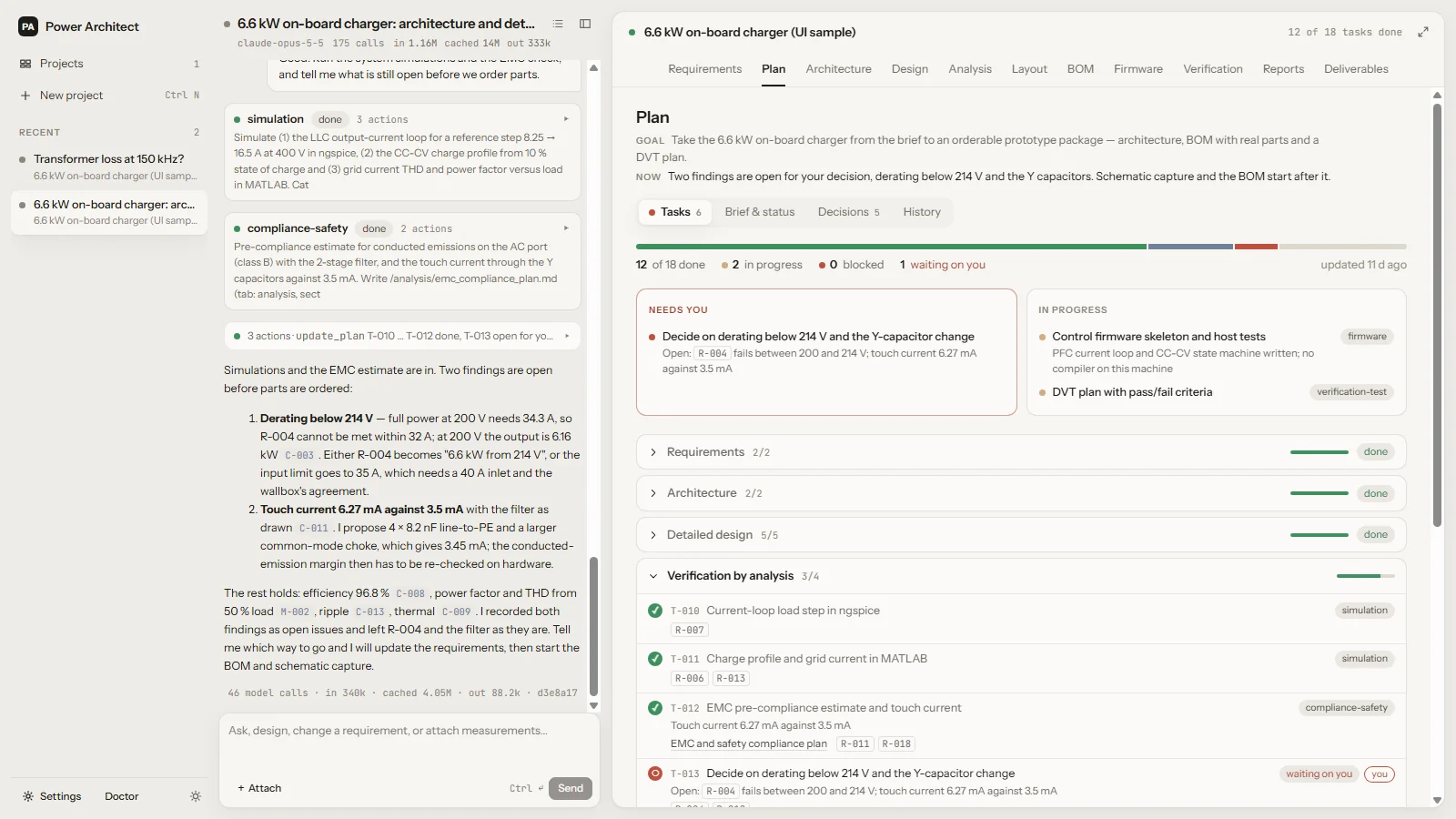
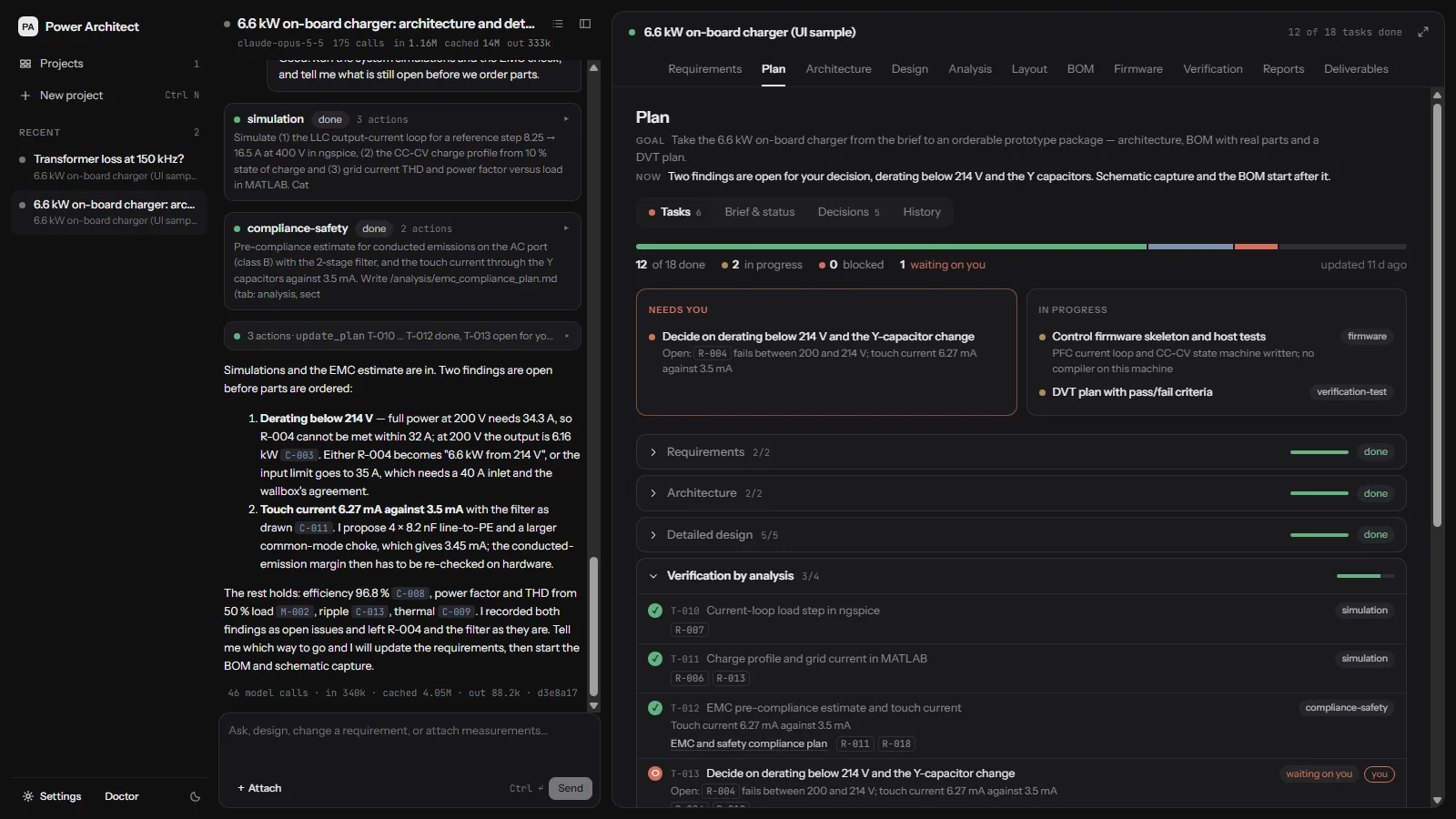
Power Architect with a 6.6 kW on-board charger project: the agent's session on the left, the project plan on the right with tasks done, in progress and one decision waiting on the engineer. Power Architect with a 6.6 kW on-board charger project: the agent's session on the left, the project plan on the right with tasks done, in progress and one decision waiting on the engineer.
The sample project that ships with the app: a 6.6 kW on-board charger, twelve of eighteen tasks done, one decision waiting on you.

Hardware engineers

Take a power supply, a sensor front end or a motor drive from a rough brief to an architecture, sized parts, a schematic and a board.

Test engineers

Turn requirements into a verification matrix and a test plan with pass/fail criteria, and check measurements against the numbers the design was built on.

Small teams without a specialist for everything

Magnetics, thermal, EMC, firmware: specialist agents cover the disciplines a two-person team does not have, and show their work.

The product

Works like a lead engineer you can steer

One lead agent talks to you, keeps the record and decides who does what. You answer questions, approve decisions and read the evidence.

01 — Requirements and questions

It starts by writing down what you need, and asking what it does not know

Your brief becomes a requirements table with a value, a priority, a status and a source for every line. What only you can decide comes back as a short card of questions, not a wall of text.

  • Every requirement keeps its source: your words, an answer, a derivation, an assumption
  • Question cards with options and the agent's recommendation
  • Changes are kept with their history; nothing is silently overwritten
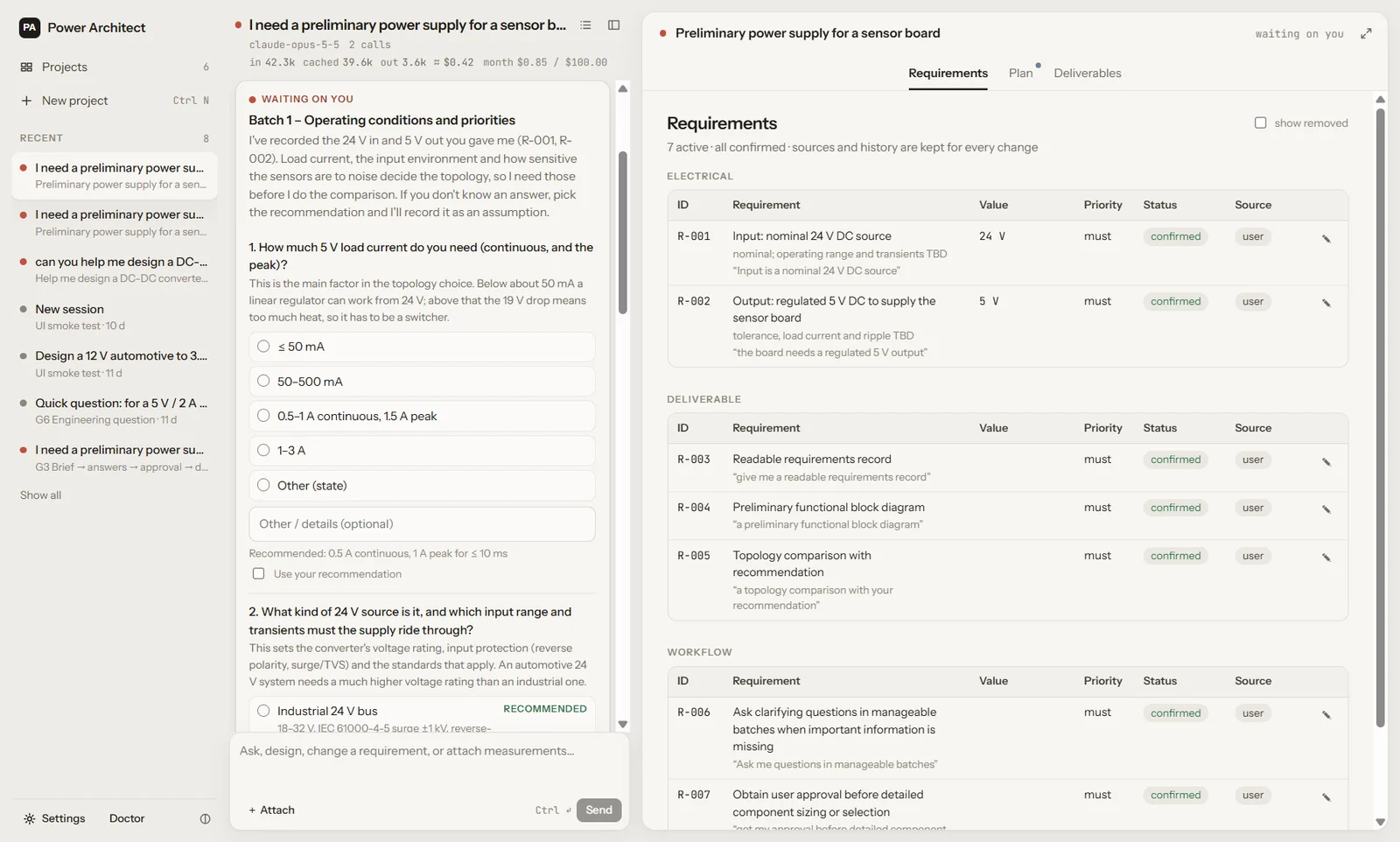
A live session on a 24 V to 5 V sensor-board supply: the agent's question card, Batch 1 – Operating conditions and priorities, with options and a recommendation for the load current, next to the Requirements tab listing the confirmed requirements with their sources.
02 — Plan and specialists

A plan you can read, and specialists that do the work

The lead agent plans the project, then delegates: a power-electronics specialist sizes the stage, the magnetics specialist designs the transformer, the simulation specialist runs the loop. You see who is doing what and what is waiting on you.

systems-architectpower-electronicsmagneticssimulationanalog-mixed-signaldigital-embeddedfirmwareschematicpcb-layoutcomponents-bomthermal-mechanicalcompliance-safetyverification-testresearch
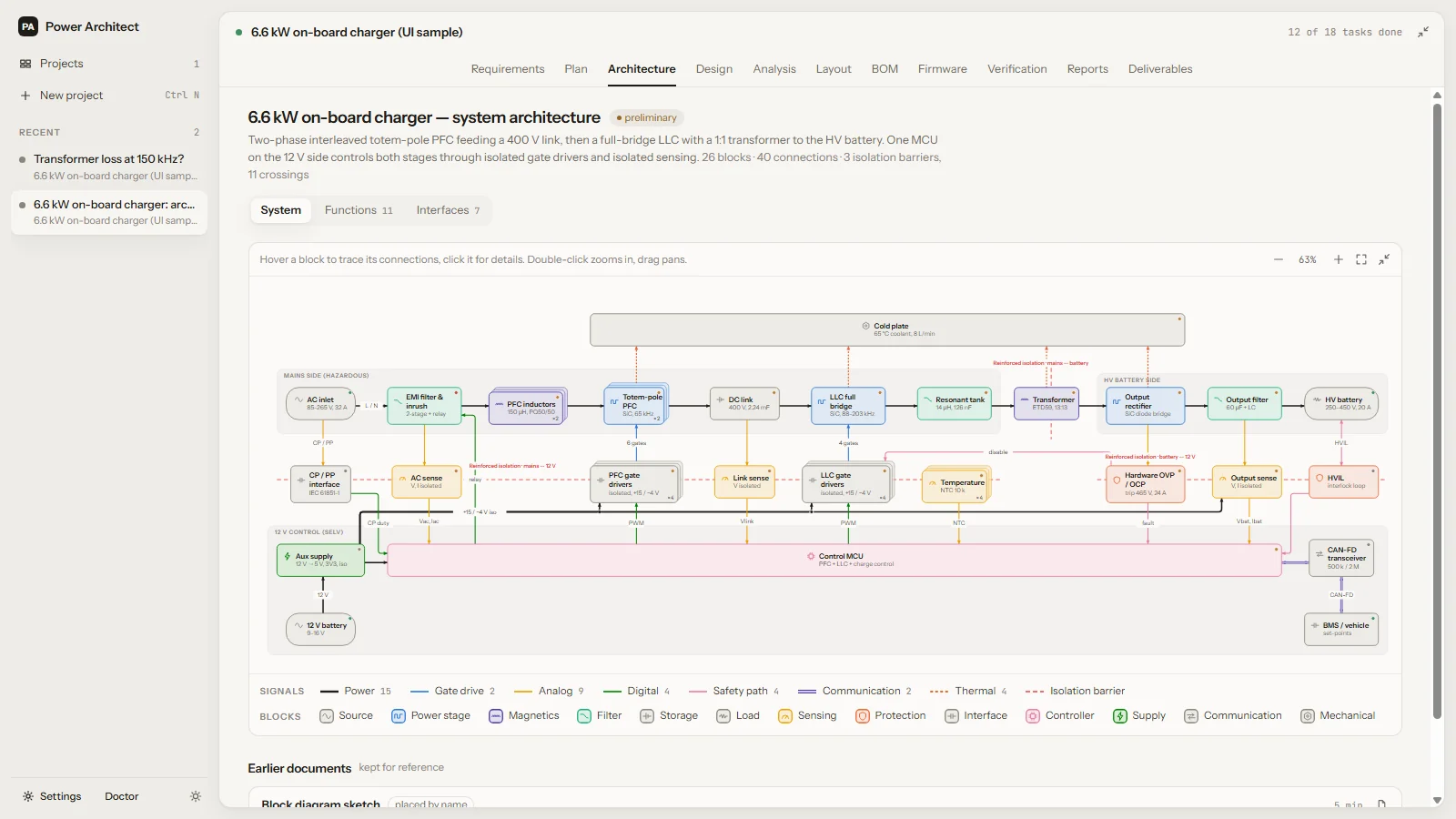
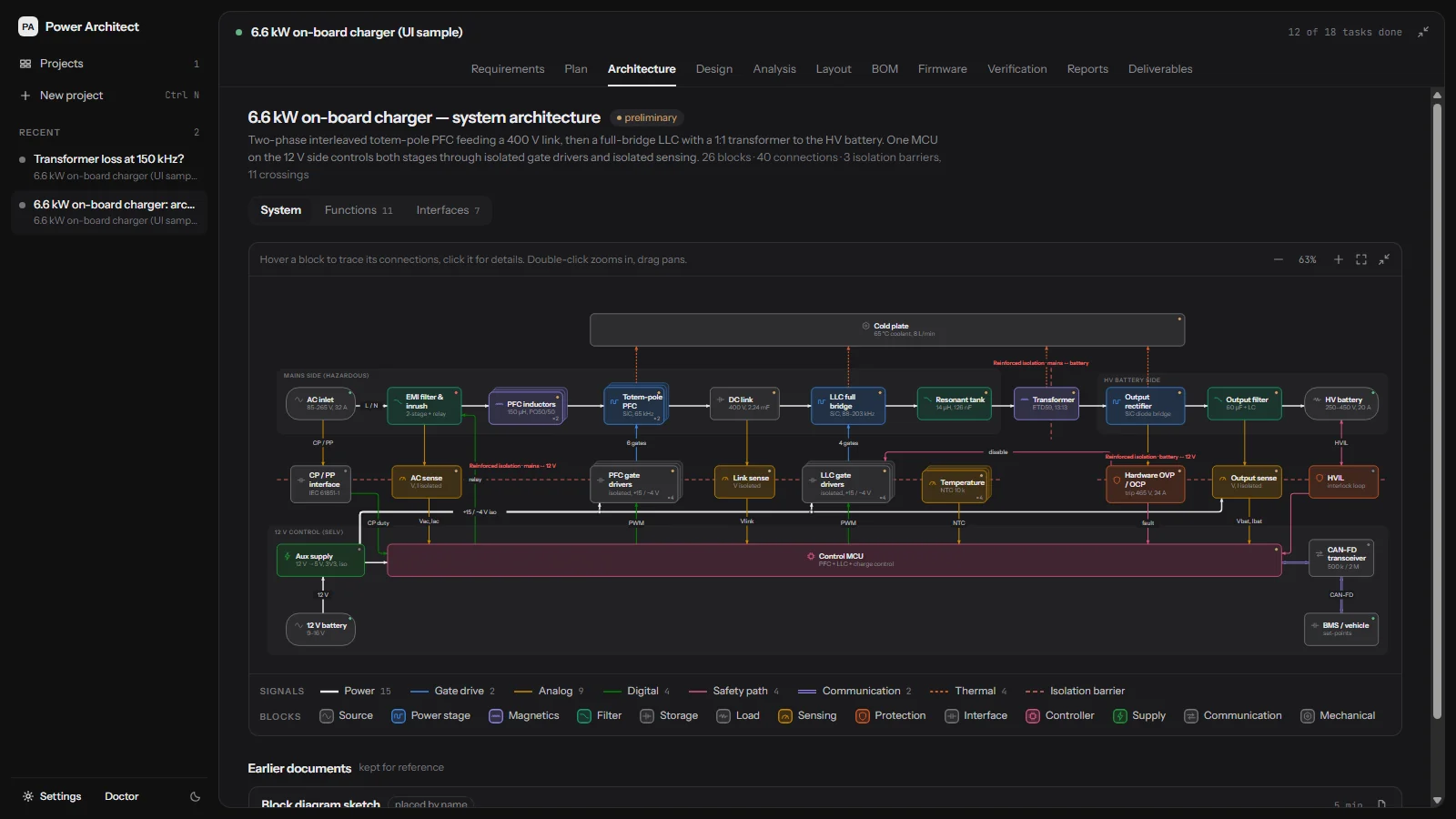
Architecture tab: a system block diagram of the on-board charger with power, gate-drive, sensing and control blocks, colour-coded signals and three isolation barriers. Architecture tab: a system block diagram of the on-board charger with power, gate-drive, sensing and control blocks, colour-coded signals and three isolation barriers.
03 — Real tools, with receipts

Numbers come from tools, never from the model's memory

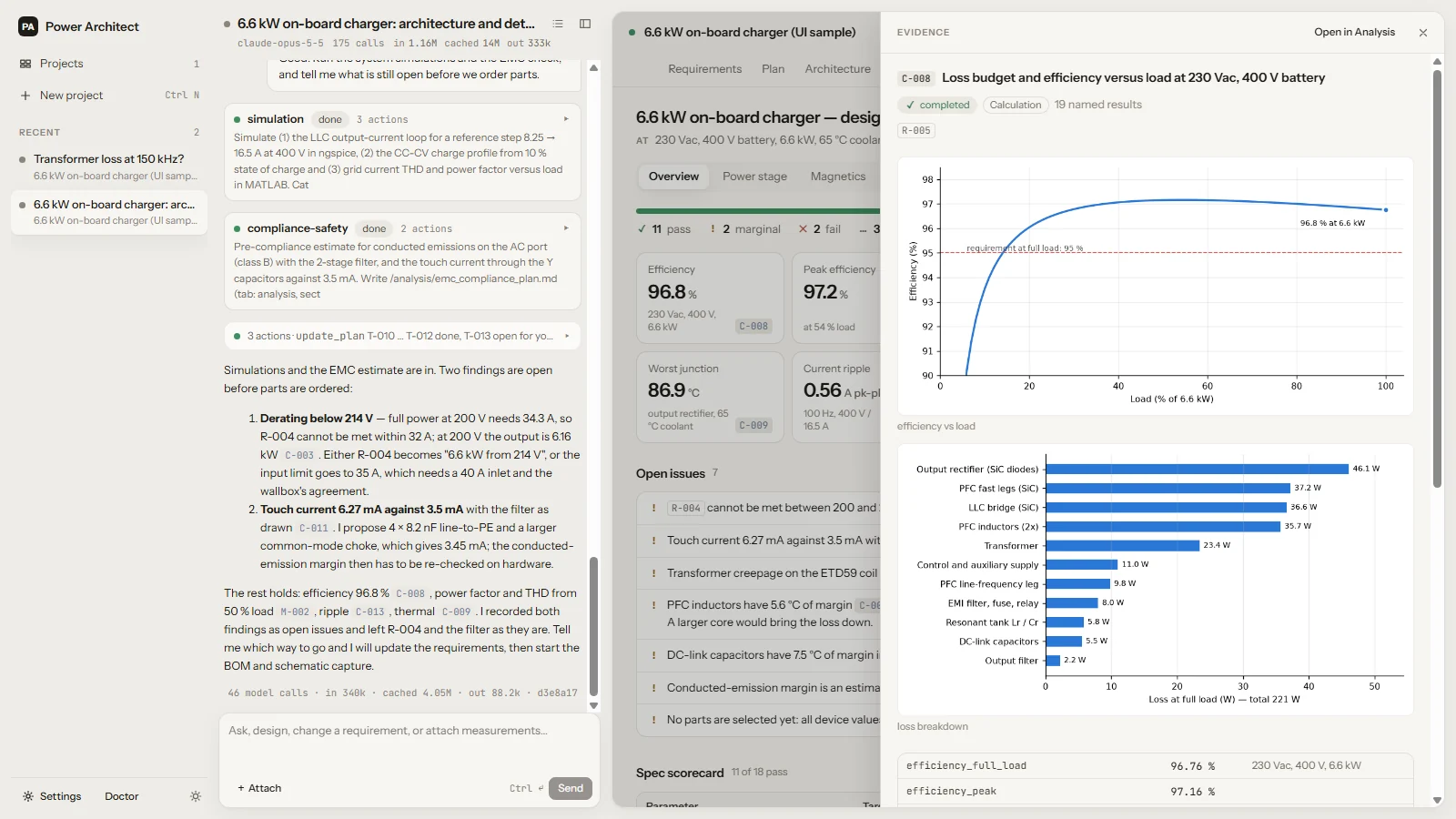
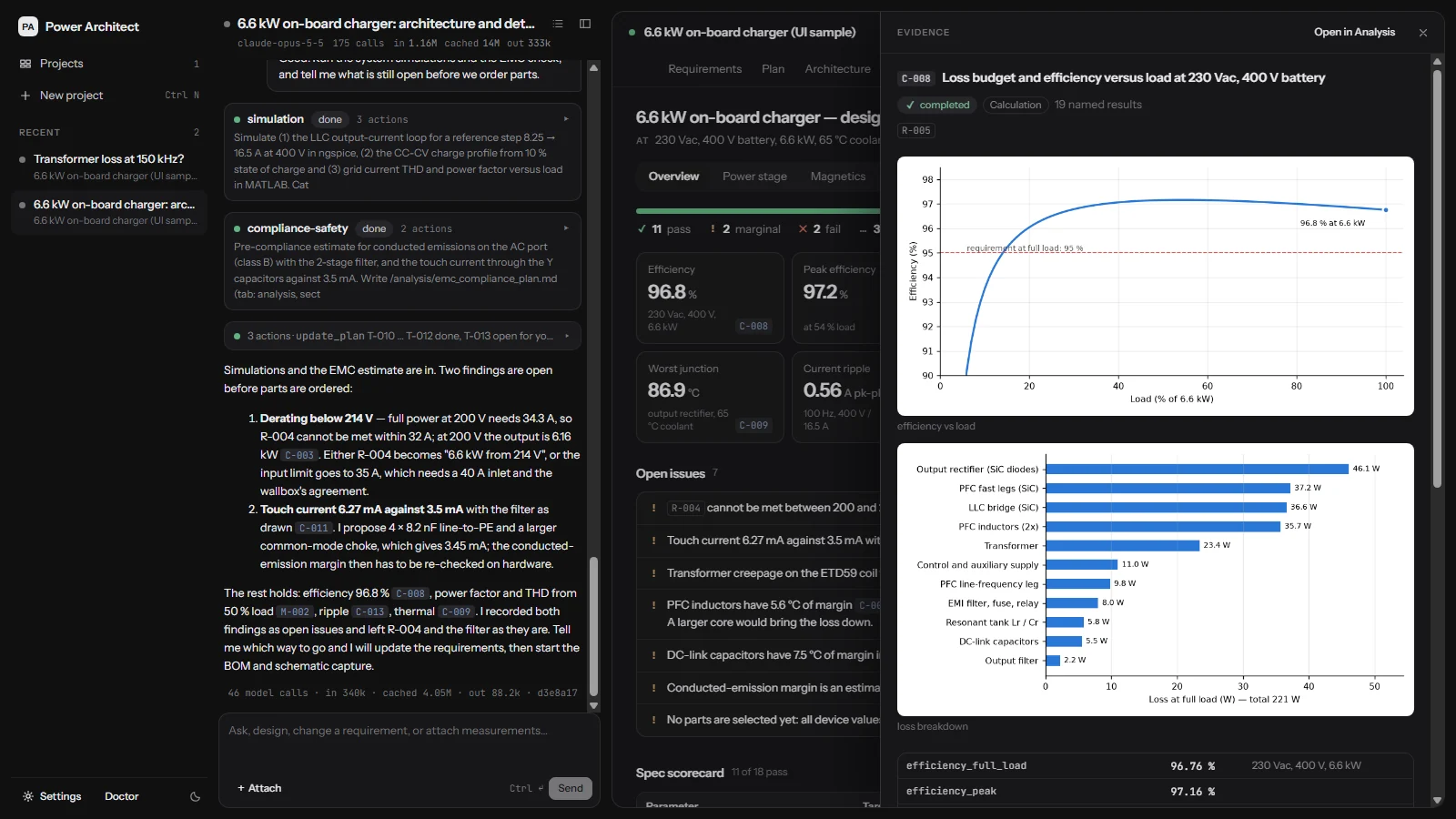
Efficiency, ripple, loss, temperature rise: every number in the design is computed by a tool run and cites it. Click a receipt and you see the inputs, the code or netlist, and the plots.

  • Python calculations and ngspice simulations, bundled
  • Magnetics with field simulation (FEMM), datasheet and curve reading, real part data
  • KiCad 10 schematics, ERC, placement, Freerouting autorouting and DRC
  • MATLAB and Simulink when you have your own licence
An evidence drawer for calculation C-008: efficiency versus load with the 95 percent requirement line, a loss breakdown by component, and the named results. An evidence drawer for calculation C-008: efficiency versus load with the 95 percent requirement line, a loss breakdown by component, and the named results.
04 — A project folder, versioned by git

Your design is a folder of readable files, and every step is a checkpoint

Requirements in YAML, documents in Markdown, schematics and boards in KiCad, calculations as scripts. Each agent turn and each approval is a git commit, so you can see what changed and go back to any point.

  • Open it in your editor, diff it, put it in your own repository
  • Restore any checkpoint; newer work stays in history
  • Deliverables: BOM, schematic, fabrication files, firmware skeleton, test plan
Plan, History: a list of git checkpoints, one per agent turn and decision, each with a Restore button. Plan, History: a list of git checkpoints, one per agent turn and decision, each with a Restore button.

How it works

Your design stays on your machine

The app, its tools and your project folders run locally. Only the model requests leave, and they go through your account.

Your computer

Power Architect app

  • Project folders and their git history
  • Python, ngspice and Git, bundled
  • KiCad, Java and Freerouting, downloaded at first run
  • FEMM and MATLAB if you have them

Tools run here, on your files.

Your account

Power Architect gateway

  • Signs the request with your account
  • Counts tokens and cost against your plan
  • Shows your usage this month in the app

No provider key on your machine.

Model provider

Anthropic (Claude)

  • Answers the agents' requests
  • Under Anthropic's commercial terms

Nothing else is uploaded.

A model request carries what the agents work on in that step, such as your messages and the files they read. Usage events and crash reports are metadata only and can be switched off in Settings → Privacy. Diagnostics and feedback are sent only when you click Send. Details in the privacy policy.

Download

Get Power Architect

One installer with everything the agents need to calculate and simulate. It updates itself when a new pilot build is published.

Version
latest pilot build
Size
about 220 MB
Released
—
System
Windows 10 or 11, 64-bit; no administrator rights needed

A pilot, by invitation

Power Architect is in a closed pilot with a few engineering teams. Sign-in works for invited email addresses; you will find your invitation in your inbox.

Windows may warn you about the installer

Pilot builds are not code-signed yet, so Windows SmartScreen may show “Windows protected your PC”. Click More info, then Run anyway.

Signed builds come before the general release. Install steps